Turn Every Conversation Into Data You Can Actually Use: Introducing Conversation Intelligence
Every conversation your team has is full of signals: what customers actually need, how they feel, and whether something's about to go wrong. Most of that signal never becomes usable data. It lives and dies inside a chat log or an email thread, seen once by a rep and then gone.
CX leaders know this gap well. They can tell you the last time a customer was frustrated, but not how many customers were frustrated last month (or why). They can tell you their team is drowning in a certain type of ticket, but can’t build a report on it without someone manually reading and tagging hundreds of conversations first.
That's because the current approach to structuring conversation data often depends entirely on people doing it by hand. A rep has to remember to apply the right tag. A macro has to be used correctly. And on top of that, an admin has to understand that process before they can even start building a report. In practice, that means most conversations get no structure applied to them, and the ones that do are only as reliable as the person tagging them.
Introducing Conversation Intelligence
Conversation Intelligence turns every conversation into structured, trustworthy data automatically, no manual tagging required. It analyzes 100% of your conversations and shows its work, so your team can trust the output. This empowers your team to build workflows and report with precision.
Conversation Intelligence is one type of AI Attribute, which uses AI to automatically populate custom fields within Kustomer. You set up individual AI Attributes under Conversation Intelligence.
The core functionality is driven via three connected capabilities:
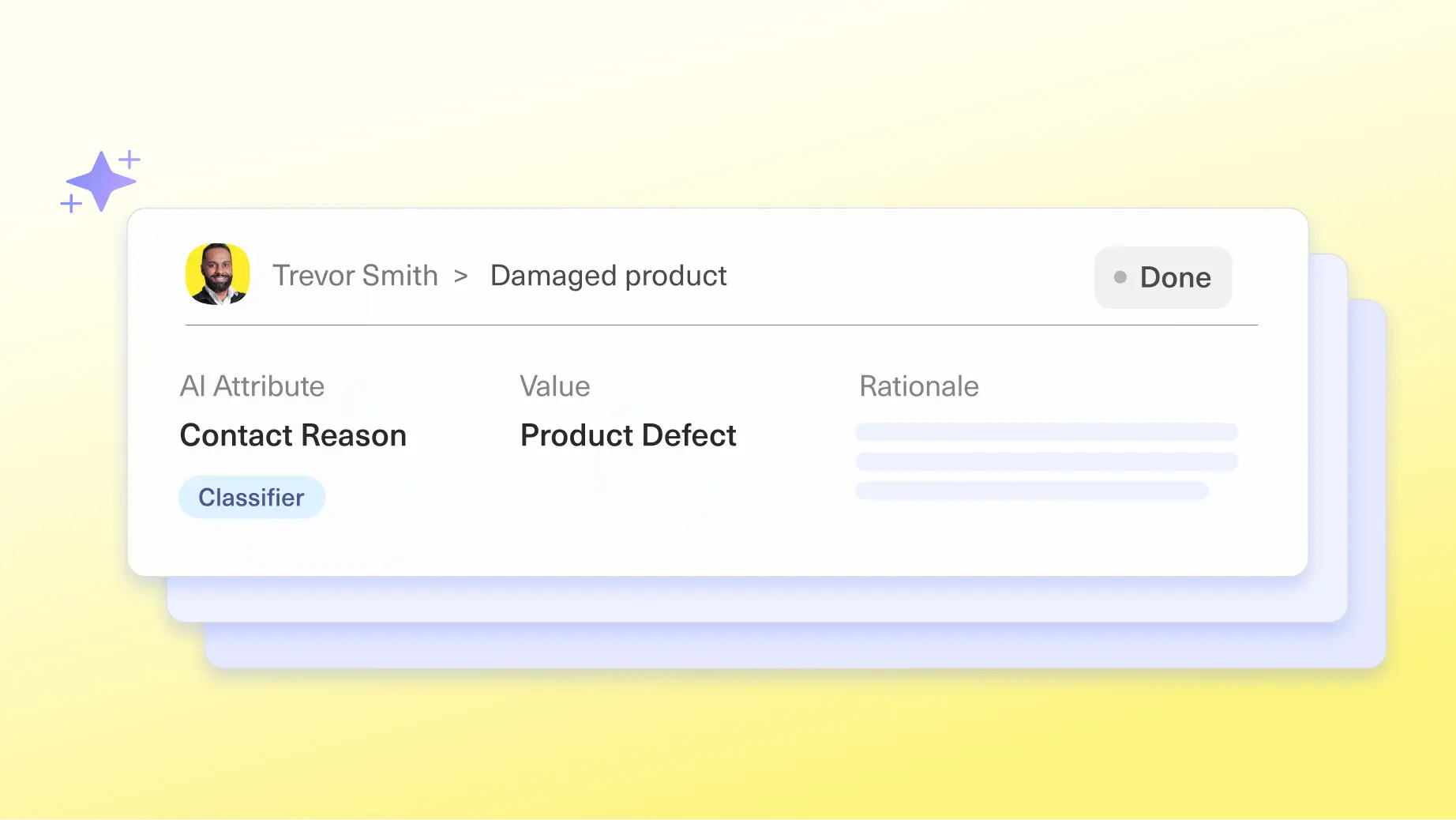
- Classification: automatically sorts every conversation into a category you define: contact reason, topic, sentiment, product line, and more.
- Scoring: evaluates a conversation against a scorecard you define and produces a numeric score, such as an inferred satisfaction score, without requiring a customer to fill out a survey.
- Extraction: pulls specific, open-ended details out of unstructured conversation text: an order number, a root cause, a customer quote, a tracking carrier.
Each of these runs automatically at the points in a conversation you define, such as when it's created or when it closes or after a set number of inbound messages, so you decide when and where it applies. And every value ships with the AI's reasoning attached, so you can see what it decided and why. Once a value is captured, it behaves like any other field in Kustomer: it shows up in reporting, search, Data Explorer, and workflows immediately, no engineering work required.
How Conversation Intelligence Works
Classify without a human touching a tag. Conversation Intelligence isn't limited to one classifier per conversation. Define as many categories as you need, contact reason, product line, sentiment, and more, and each one runs independently. A single conversation can come out the other side tagged for contact reason, product, and sentiment all at once, each accurately reflecting how the conversation actually went, not just how it started.
Score against a scorecard you define. Scoring evaluates a conversation against criteria you set, whatever you want to measure, and produces a numeric result. Because it's a general-purpose capability, it isn't limited to one use case: anything you can describe as criteria, you can score, and every result comes with the reasoning behind it attached.
Extract structured data without an engineering ticket. When the answer isn't a known list, an order number, a root cause, a specific detail buried in the text, Extractors pull it directly out of the conversation and write it back as a normal, reportable field.
Seven Ways Teams Put This to Work
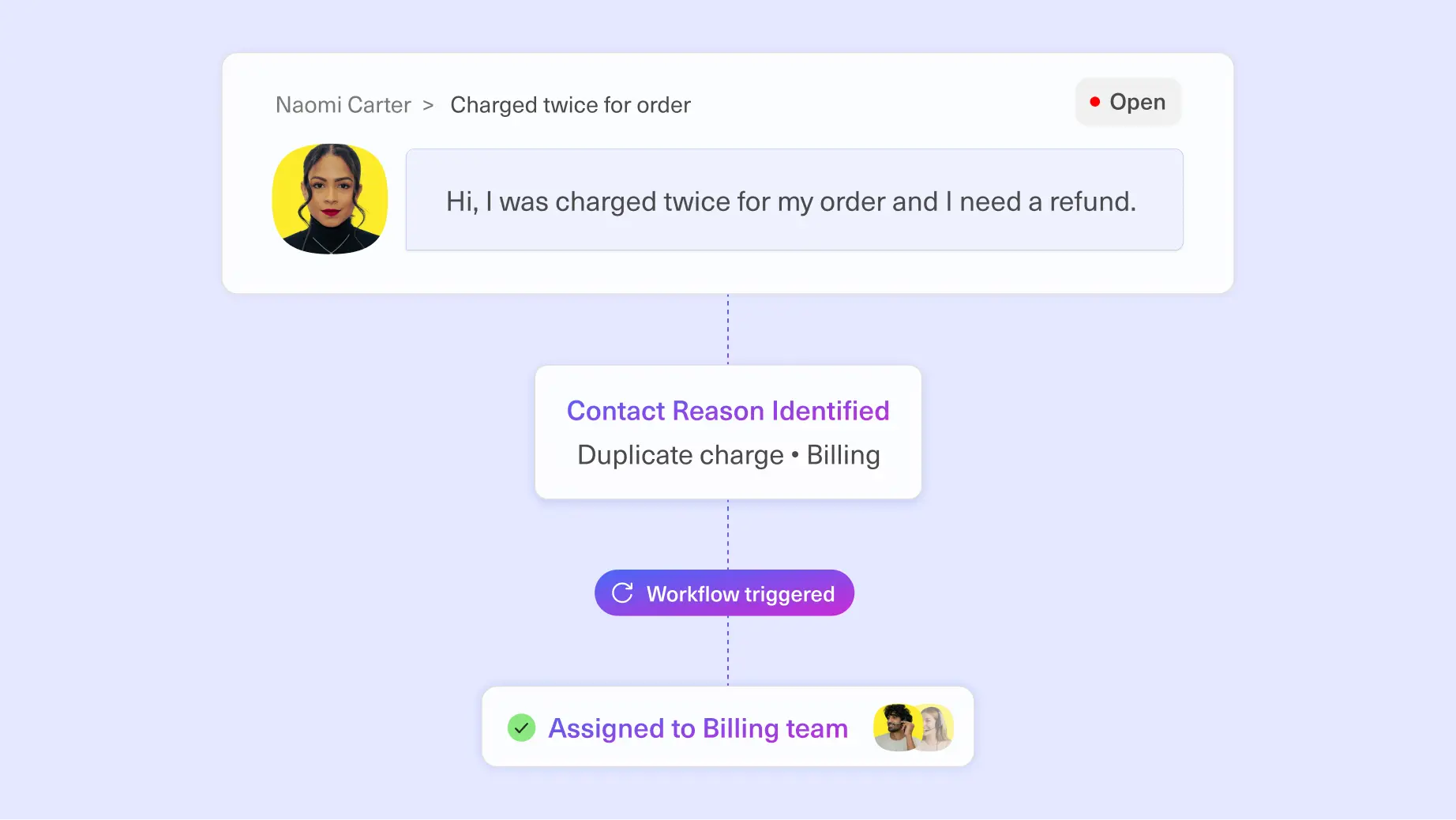
1. Automatic routing by contact reason. A classifier tags every incoming conversation with its true contact reason the moment it's created. Instead of a customer waiting while a rep reads and reroutes, the conversation goes straight to the right queue. Pain solved: inconsistent, manual routing that depends on someone remembering to apply the right tag. Outcome: faster time to the right team, and reliable contact-reason reporting for the first time.
2. Sentiment-triggered escalation. A sentiment classifier flags conversations with a negative, and a workflow automatically escalates them to a specialized team before they become a complaint. Pain solved: frustrated customers slipping through a normal queue until it's too late. Outcome: faster visibility into at-risk conversations, so the team can follow up before it becomes a bigger issue.
3. Full-coverage CSAT trend reporting. An AI CSAT score runs on every closed conversation and feeds straight into a dashboard, so a leader can watch satisfaction trends move in real time. Pain solved: CSAT programs built on a 10-15% response rate that doesn't represent the real customer base. Outcome: a complete, trustworthy satisfaction signal leadership can actually act on.
4. Order number extraction for faster resolution. An extractor pulls the order number out of a customer's message and attaches it to the conversation automatically, no rep has to ask for it or search for it manually. Pain solved: reps spending the first minutes of a conversation just tracking down account or order details. Outcome: lower handle time and a smoother experience for the customer.
5. Customer quote capture for marketing. When a conversation resolves well and a customer says something positive, an extractor identifies and captures the quote automatically, ready to route to the marketing team for review and use. Pain solved: great customer stories buried in conversation history that nobody ever surfaces. Outcome: a steady, low-effort pipeline of real customer voice for marketing and product teams.
6. Product-level classification for sharper reporting. A classifier sorts every conversation by which product or feature it's actually about, so a multi-product team can see volume, sentiment, and trends broken out by line instead of blended into one bucket. Pain solved: leadership can't tell which product is driving contact volume or dissatisfaction. Outcome: product-level visibility that feeds directly into roadmap decisions.
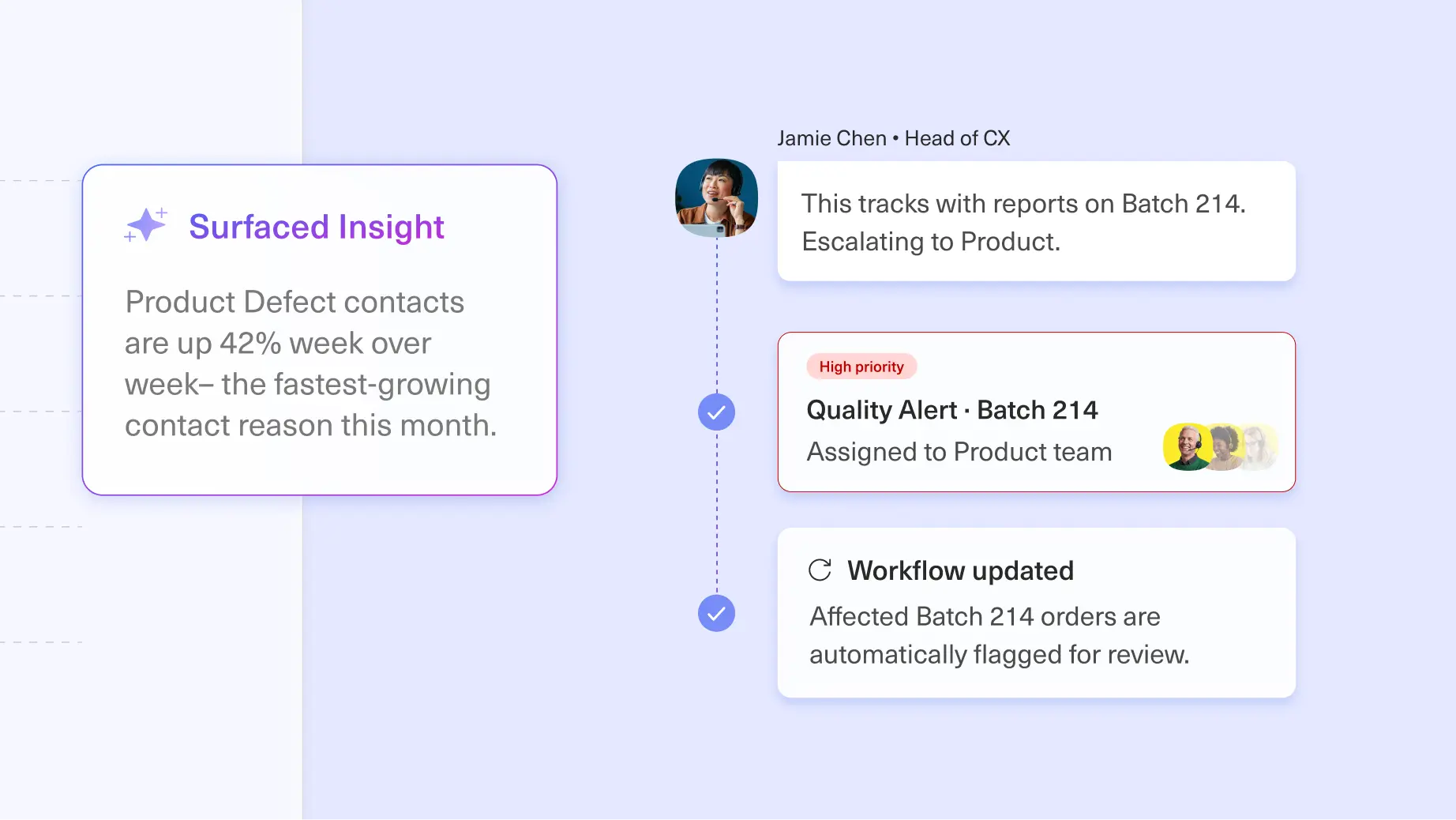
7. Structured feature request capture for product teams. An extractor identifies when a customer is describing a missing feature or workaround, and pulls out the specific request, attaching it to the conversation as structured data your product team can review and report on directly. Pain solved: feature requests scattered across conversations that a rep might mention in passing, or never surface at all. Outcome: a consistent, automatic pipeline of real customer feedback into your product process, instead of relying on someone remembering to pass it along.
What Our Customers Are Saying
CX teams are already experiencing the impact of Conversation Intelligence on their ability to understand true customer intent, route conversations more accurately, and surface hidden insights at scale.
"Conversation Intelligence has given us a much smarter way to understand and route customer conversations. Rather than relying on keywords, it understands the intent behind why a customer is getting in touch, helping us get conversations to the right team more accurately and giving us much better insight into what our customers actually need."
Simon Birch
Head of Customer Service & Experience, Loaf
What's Next
Conversation Intelligence is available now, and it builds on what Kustomer has always been grounded in: AI connected to real, structured customer data. Looking ahead, we're extending that same structured intelligence beyond the conversation itself, to the customer and company level, so you can understand not just individual interactions, but your entire book of business at a glance.
Get Started
If you're evaluating Kustomer, book a demo to see Conversation Intelligence in action.
If you're already a Kustomer customer, reach out to your Customer Success Manager to learn how to get started.