Data Explorer
Lead with confidence through instant CX insight
Turn every question into a clear, data-backed answer. Get real-time visuals, simple explanations, and practical recommendations that help you make faster, smarter decisions across your CX organization.
Meet the future of CX reporting
With AI-powered explanations built into every report, Kustomer shows you what changed, why it changed, and how to act.
"Data Explorer centralizes complex analytics in an accessible way, saving me hours every week."

"Good CX decisions don't come from more dashboards — they come from better questions. Data Explorer makes that possible."

Turn customer data into instant answers
Unify data, insights, and recommendations in one place for faster, smarter CX decisions.
Request DemoGet instant answers, guided prompts, and unified CX data
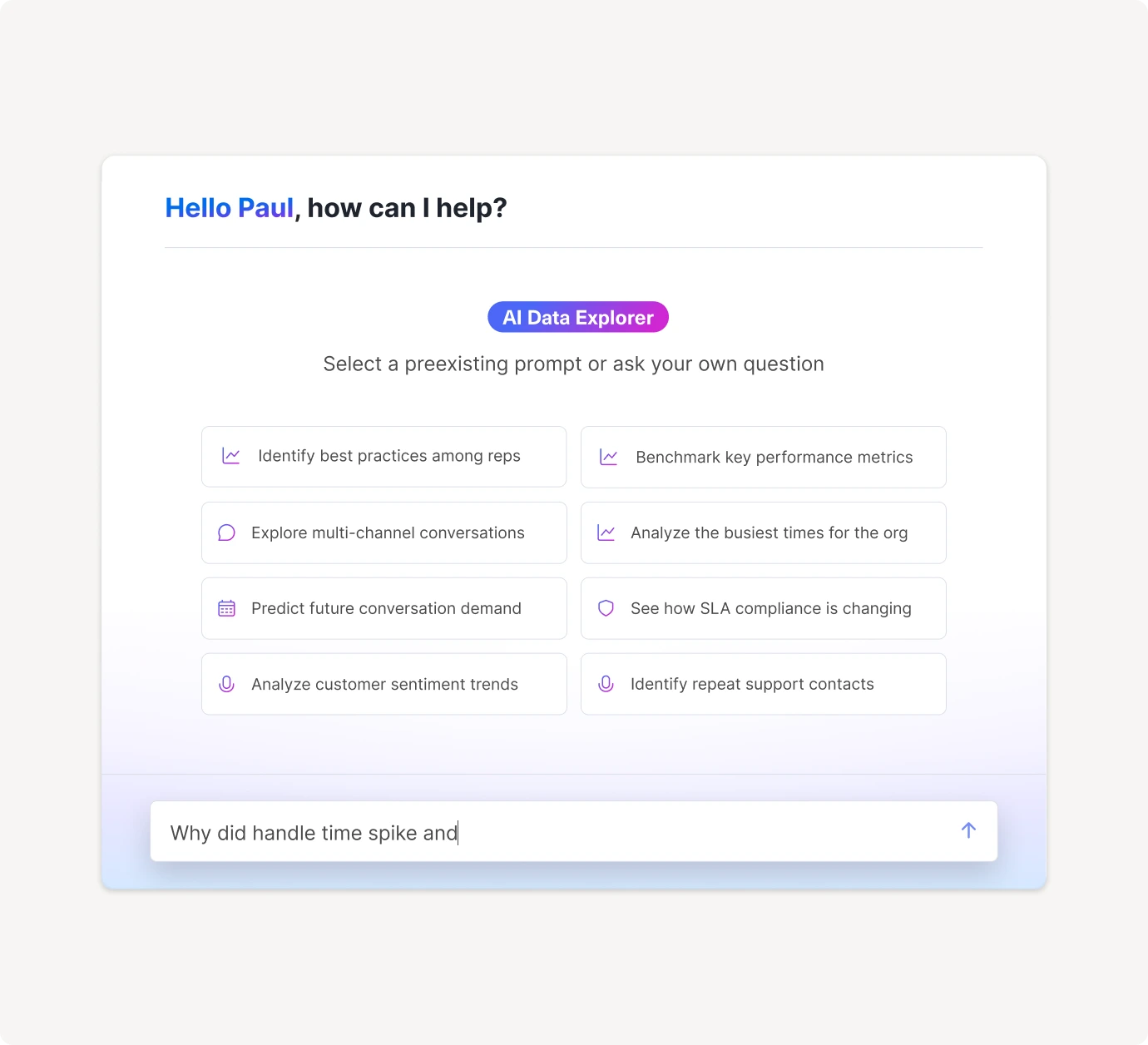
- Use natural language to get answers with charts, breakdowns, and clear explanations
- Choose from over 250 guided starters for forecasting, SLA health, backlog, and more
- Explore performance across channels, teams, workflows, queues, and custom objects, all in one place
Stay ahead with real-time trends, metrics, and analysis
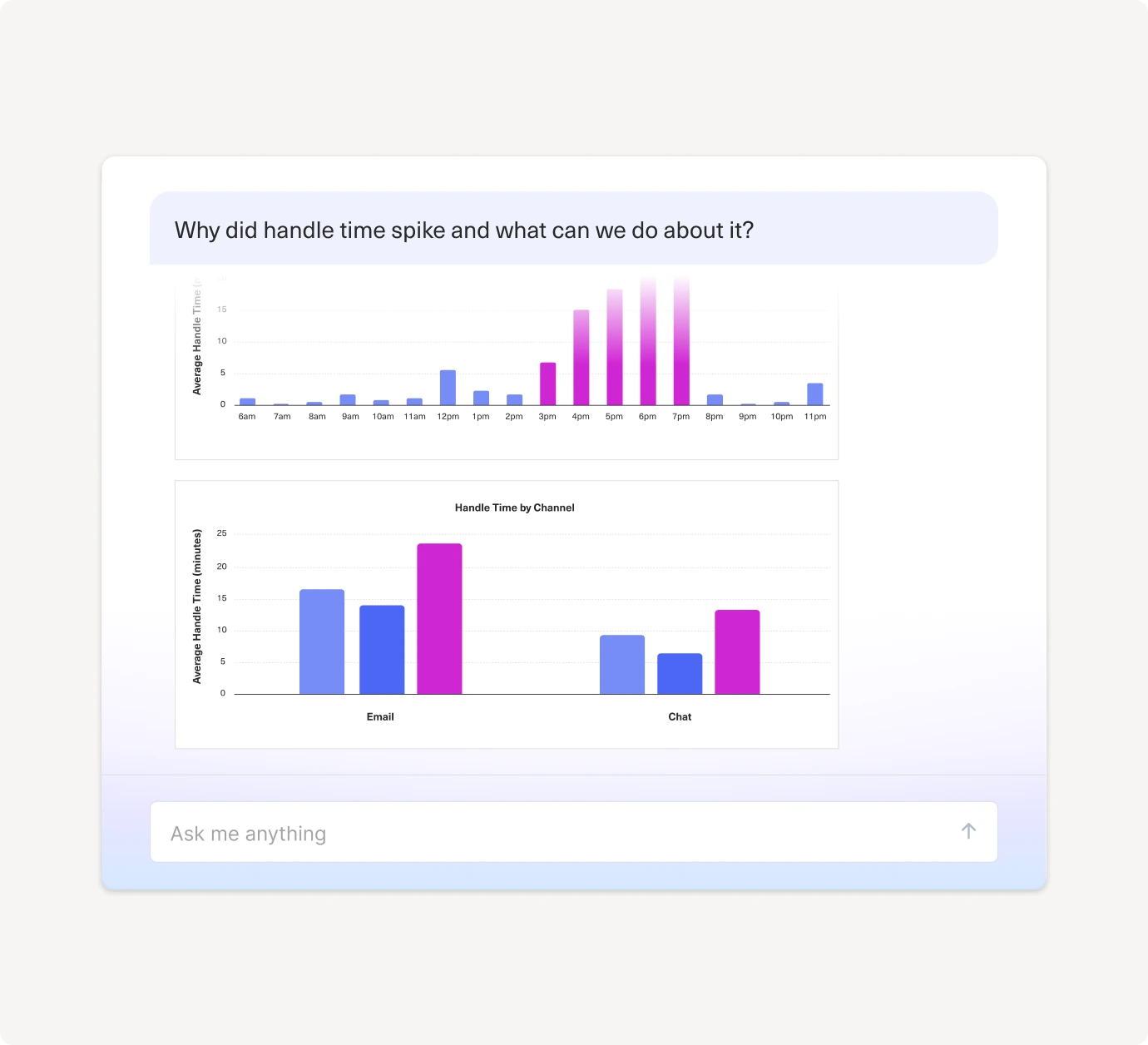
- Track trends in volume, handle time, sentiment, and CSAT to catch issues early
- See exactly how metrics are defined and calculated
- Drill into refunds, cancellations, or volume surges to find the root cause
Act on insights with recommendations, coaching tools, and feedback
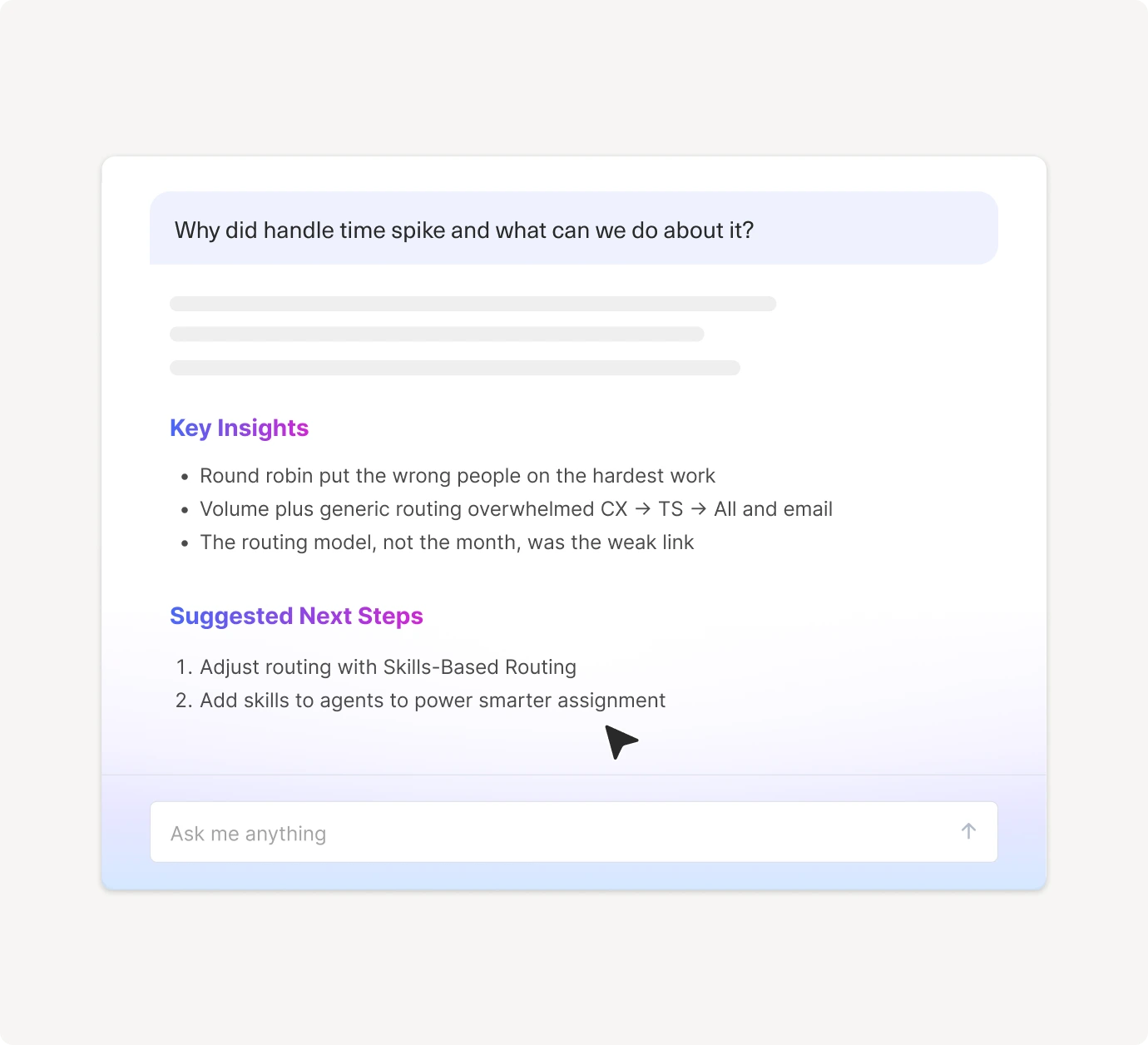
- Get personalized recommendations to improve staffing, routing, coaching, and outcomes
- Build rep scorecards, identify top performers, and create targeted coaching plans
- Highlight themes and sentiment drivers for product, marketing, and finance
Get instant answers, guided prompts, and unified CX data
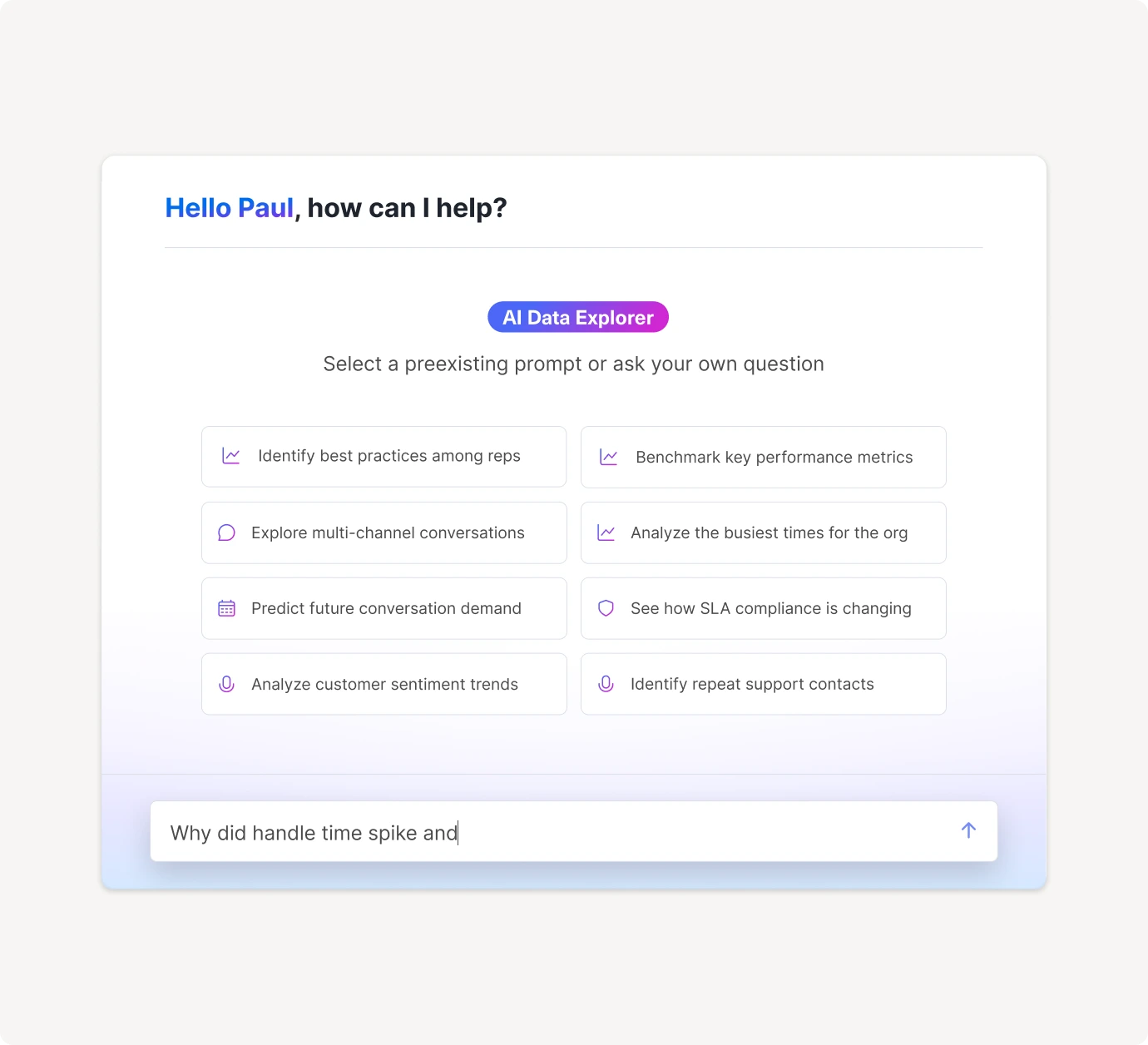
- Use natural language to get answers with charts, breakdowns, and clear explanations
- Choose from over 250 guided starters for forecasting, SLA health, backlog, and more
- Explore performance across channels, teams, workflows, queues, and custom objects, all in one place

"The new Data Explorer feature in Kustomer has quickly become one of my favorite tools. It gives me the ability to deep-dive into any metric I need, which has made my analysis faster, more accurate, and far more actionable."
Marissa Sherwood
Senior Manager of Customer Experience


Trusted by CX leaders across multiple industries