
Welcome to the New Kustomer Experience
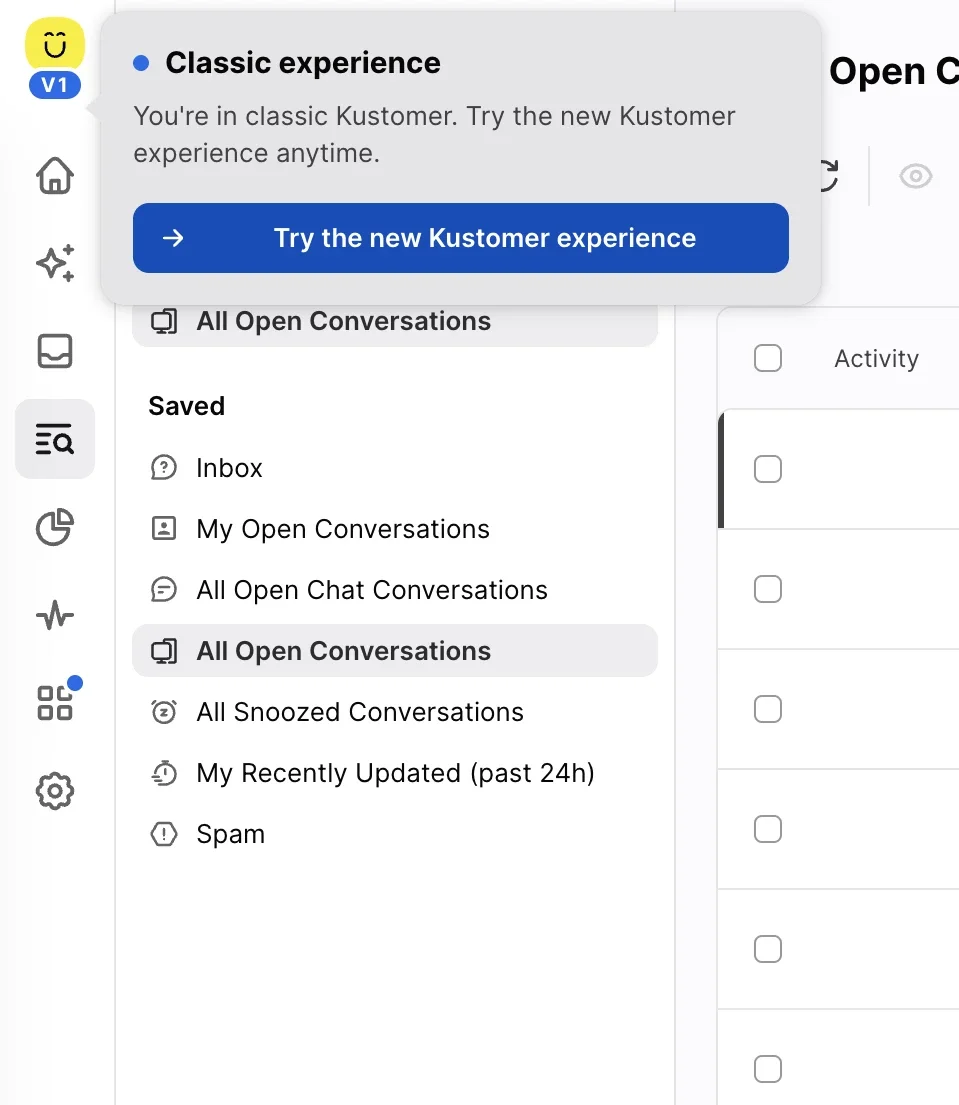
Why rebuild the agent workspace?
As AI takes on simpler tasks, the conversations left for human agents are increasingly complex. In high-stakes support, every second spent waiting, hunting for context, or battling lag breaks focus — so we rebuilt the workspace with a modern UI and faster architecture built to keep pace with your team.
A workspace rebuilt for how support actually works today
Faster in ways you feel on every click
Up to 80% Faster Loads
App and timeline load times are dramatically reduced so reps can jump straight into resolution.
Instant Resume
Reloading restores your workspace instantly from local memory. Switch between conversations and land exactly where you left off.
Predictive Performance
Hovering over a conversation prepares the next screen before you even click.
Steady Inbox View
Incoming updates no longer cause rows to jump under your cursor, protecting agent focus.
Time Saved
Eliminating small delays returns 15 to 30 minutes per shift to every agent.
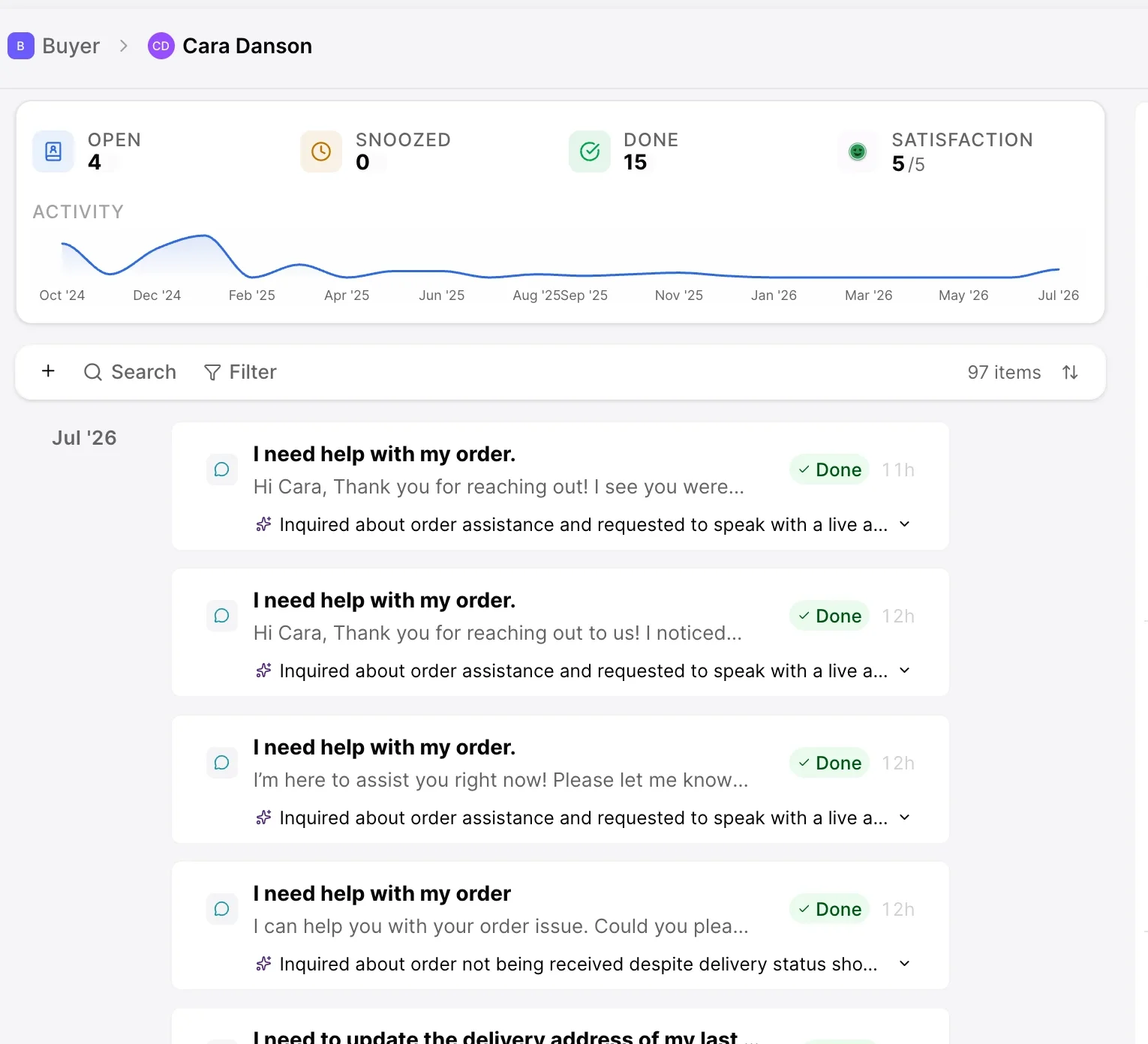
Control your workspace for maximum efficiency
Focused Timeline View
Enjoy a cleaner layout with reduced visual clutter and customizable reading widths to fit your exact screen setup.
Quick Hover Previews
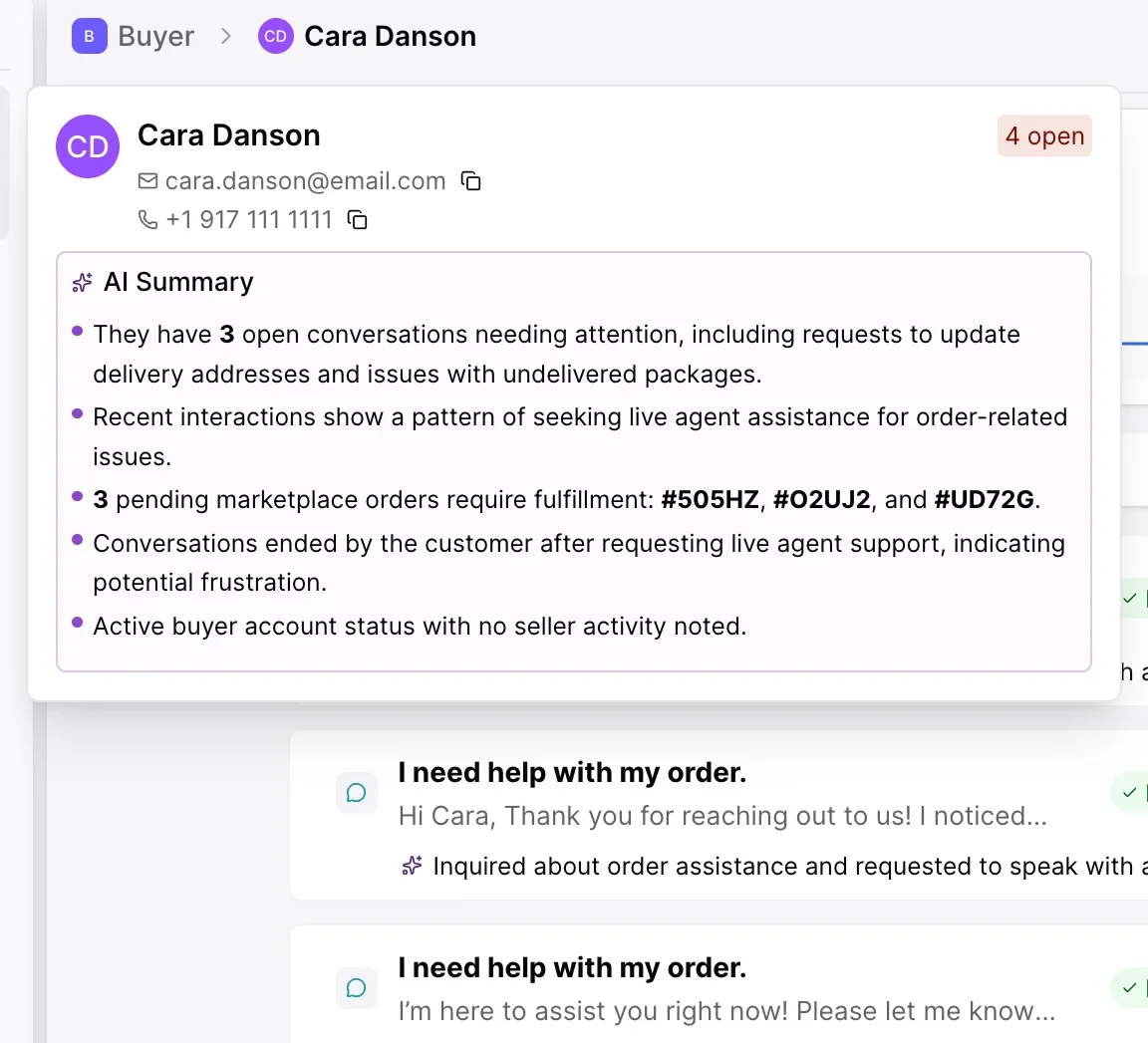
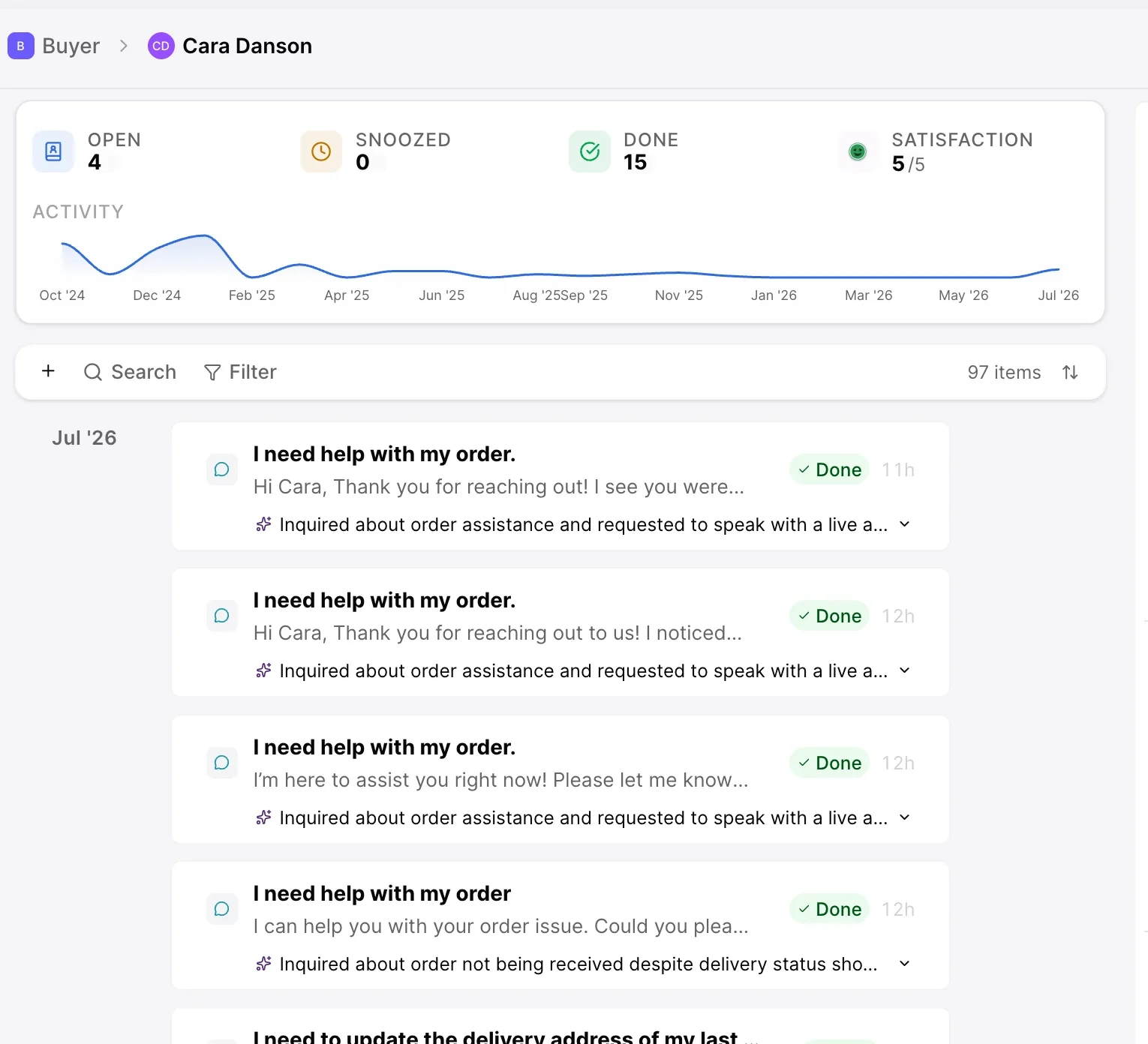
Hover over any conversation on a customer timeline to see its status, assignee, summary, and context before opening it.
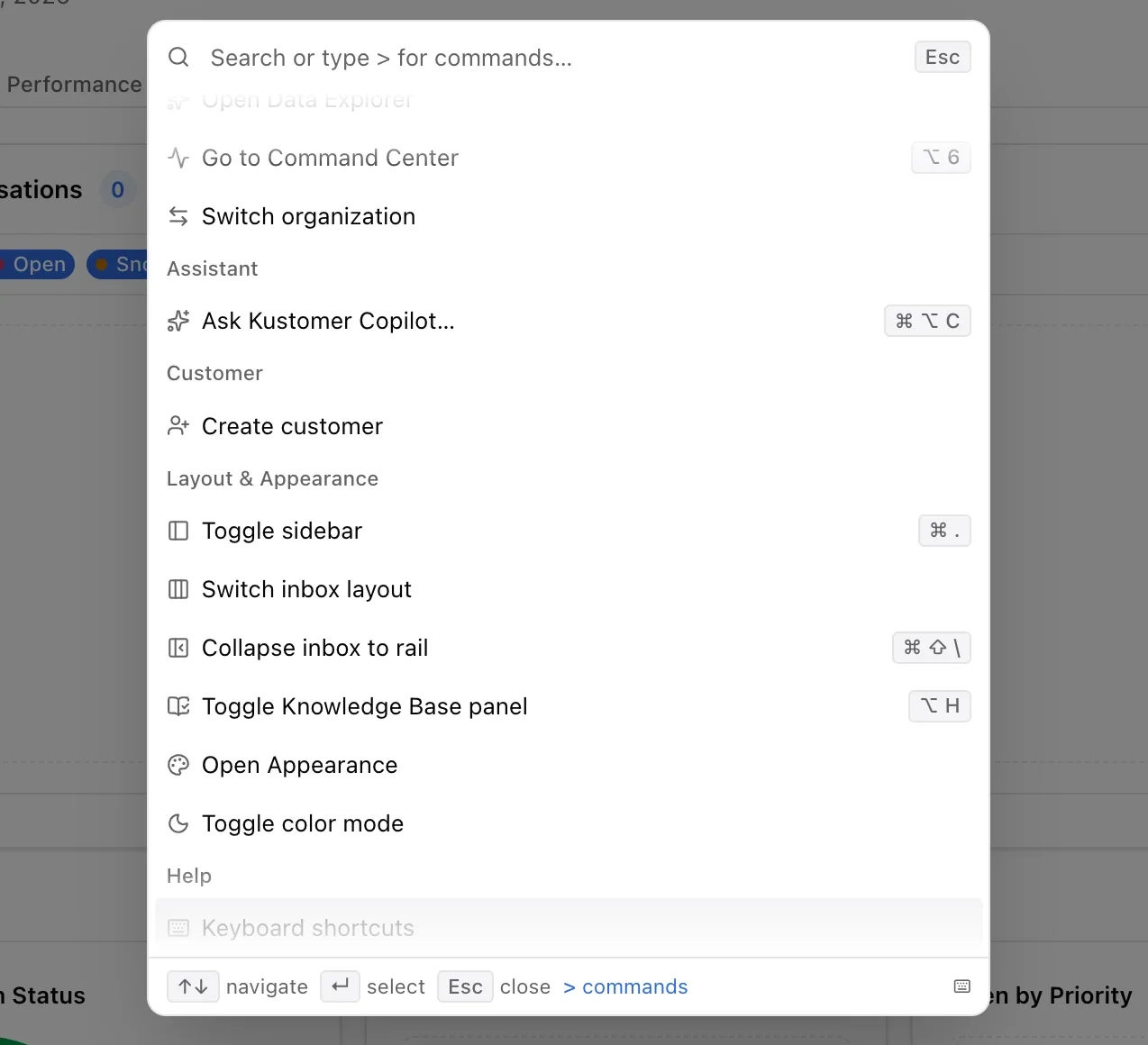
Command Surface
Use fast keyboard shortcuts to assign, snooze, mark done, or jump between views without touching your mouse.
Tunable Layouts
Collapse the left navigation to icon view for more workspace, adjust inbox density, and use the Recently Viewed panel to access recent accounts in one click.
Cross-Device Flexibility
Install Kustomer like a desktop app directly on your dock, or use the streamlined mobile experience to manage inboxes on the go.
Seamless Updates
Workspace updates deploy in the background without disrupting active shifts.
Assistance right where the work happens
Unified Side Panel
Insights, Signals, Copilot, and Tasks live in a single side panel next to your active thread.
One-Click Acceptance
Accept Copilot suggestions directly into the draft composer to review, edit, and send.
Context at a Glance
Summaries are embedded directly in headers, previews, and menus throughout the app.
Mobile AI Integration
Access Copilot mid-reply on mobile devices to insert AI-generated responses directly into your active draft.
Faster in ways you feel on every click
- Up to 80% Faster LoadsApp and timeline load times are dramatically reduced so reps can jump straight into resolution.
- Instant ResumeReloading restores your workspace instantly from local memory. Switch between conversations and land exactly where you left off.
- Predictive PerformanceHovering over a conversation prepares the next screen before you even click.
- Steady Inbox ViewIncoming updates no longer cause rows to jump under your cursor, protecting agent focus.
- Time SavedEliminating small delays returns 15 to 30 minutes per shift to every agent.
What stays the same?
Transitioning your team is completely frictionless.

Zero Data or Permission Changes
Your existing routing, user permissions, custom objects, and historical data remain completely intact.

Included in Every Tier
The new workspace is not gated behind a new tier or AI subscription.

Zero-Risk Transition
Toggle between the classic workspace and the new experience at any time while your team gets comfortable. Data stays synchronized across both.
Real Impact from Real Teams
 500+ reviews
“We've been really impressed with the new Kustomer experience. The larger workspace and intuitive interface make navigation seamless. The entire workflow feels faster and more natural. Not only do our agents feel more productive, but the metrics prove it: daily case volume is up, and average handle time is down.”

Ready to get started?
The new Kustomer experience is currently available to customers in our Early Access Program. Turn it on, explore the updated workflows, and see how a faster workspace helps your team stay focused on delivering exceptional customer experiences.
Join Early Access