CRM for Customer Service

Cultivate customers, 
not tickets

Forge deeper customer relationships through complete contextualized data at your fingertips.

Request Demo
The image is completely blank with a white background and contains no visible objects, text, or features.

Boost Your Order Value by 26% with Data-Driven Conversations

A woman wearing a colorful paint-splattered apron talks on the phone and smiles. Next to her is a screenshot of an online order tracking interface showing completed tasks and order updates.A woman wearing an apron smiles while talking on the phone. Overlaid is a chat interface with customer service messages about orders, tracking, returns, and credits, all marked as Done. The contact is Belinda Nolan with nine open conversations.

Unlock a 360° view of your customer

Kustomer captures a holistic view of your customers—far beyond just order details. It includes purchase history, preferences, and insights from various sources to create comprehensive, detailed customer profiles.

A smiling woman wearing glasses holds a baby while sitting at a table with a laptop. An overlaid pop-up on the right displays a customer profile with details like name, email, satisfaction rating, and tags.A woman with long brown hair and glasses smiles while looking at a screen displaying a customer profile with details like name, email, satisfaction rating, gender, join date, and Shopify tags.

Proactive Conversations, Real-Time Personalization

Kustomer collects data at the point of order, enabling proactive, personalized conversations with real-time updates that helps proactively service customers.

A man with curly hair and a headset sits at a desk with a laptop. Next to him is a screenshot of a software interface for adding new business rules, displaying various automation options.A man with a headset sits at a desk. On the left, a screen displays customer service templates, including options to assign a brand alias, auto-close chats, and close out-of-office conversations.

Effortless Data Access, Reduced Costs

Data in the Kustomer platform is easily accessible, actionable, and searchable. Seamless webhook updates reduce API calls, speeding up access and cutting costs while minimizing engineering efforts.

Put the customer back in CRM

Custom objects and attributes
Workflows
Tasks
Timeline
Permissioning
Data Integrations

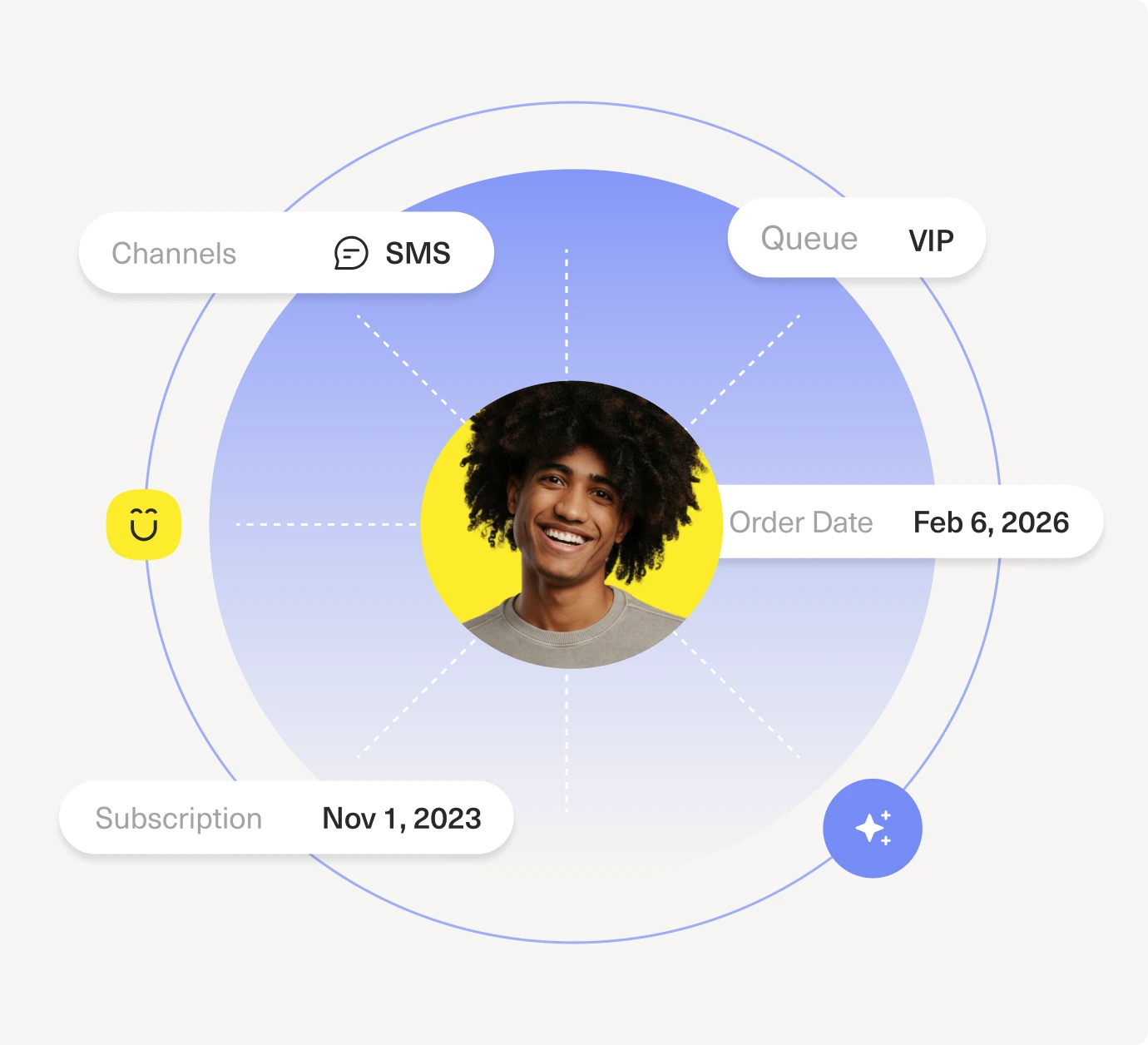
Capture important context about customers

Custom objects and attributes in Kustomer track information unique to your organization on customers, conversations, and more. Kustomer ensures data and context is structured in a flexible, scalable, and easily accessible way. Our custom objects also allow you to draw relationships between them so that all relevant data is connected.

A user interface shows a four-step process for configuring AI responses. Step one, Object Klasses, is highlighted. Options like Customer, Order, Price, Status, and Email are listed with Standard or Custom tags.

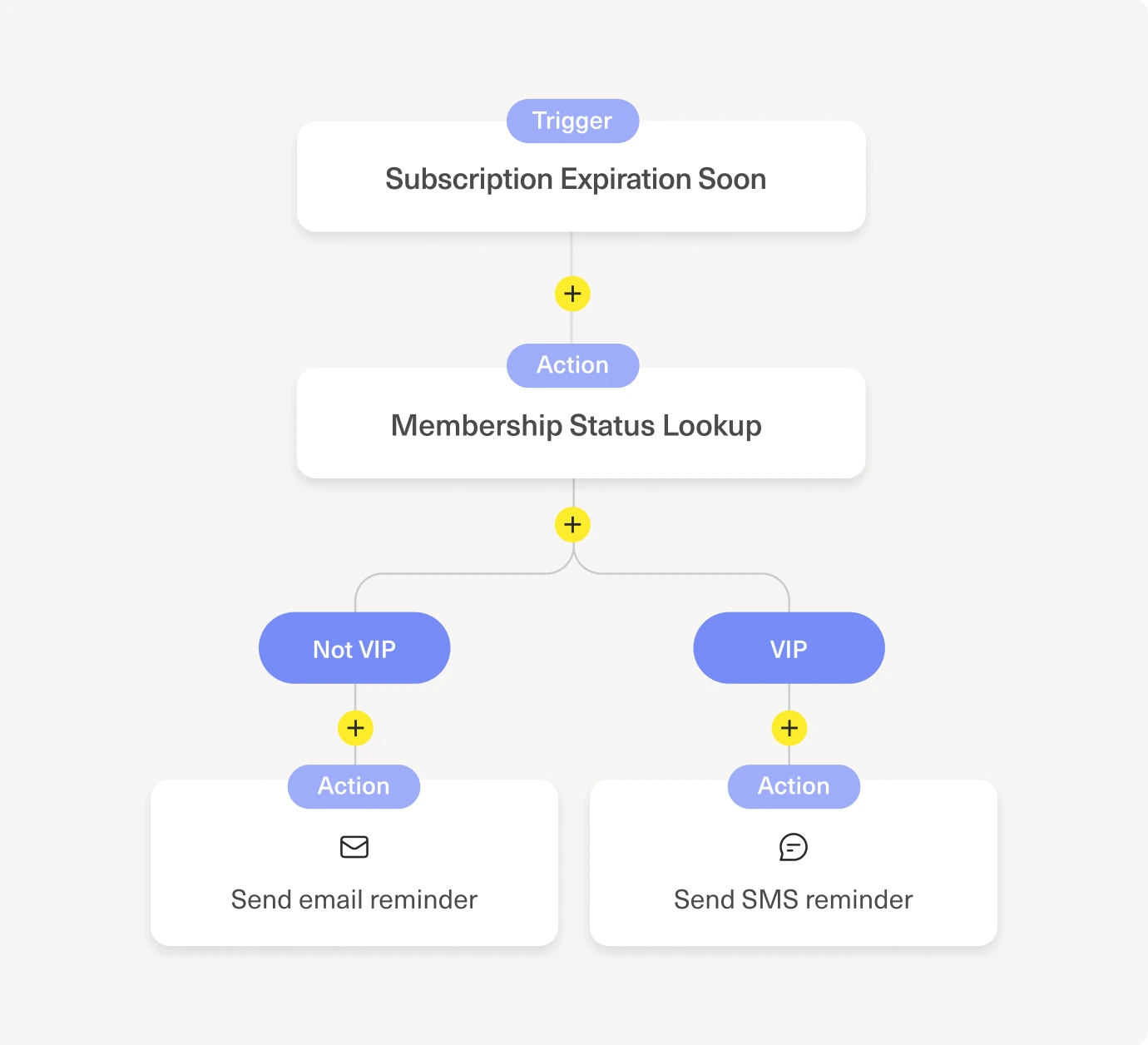
Automate a sequence of tasks

Service process automation is critical to scaling your business. Workflows in Kustomer enable you to automate repetitive tasks, providing your team with much needed time and information to resolve difficult conversations quickly.

A user interface screen displays three active workflow automations, each with a title, a description, and toggle switches. The background is purple, and the workflows are organized in a white card.

Ensure your agents are working efficiently

Ensure your agents are working efficiently. The Team Pulse dashboard allows managers to view what agents are working on in real time and quickly jump to the customers and searches that agents are viewing instead of relying on manual searches. Team Pulse also allows team leads and admins to understand the current state of your queues and manually move eligible agents from a less busy queue to one with a large inbound volume, resulting in a lower wait time for your customers.

A task creation form on a light purple background shows fields for task name, description, assignee, due date, and related conversation, all filled out with details about a defective couch platform base.

Single pane of glass to get 360 view of customer

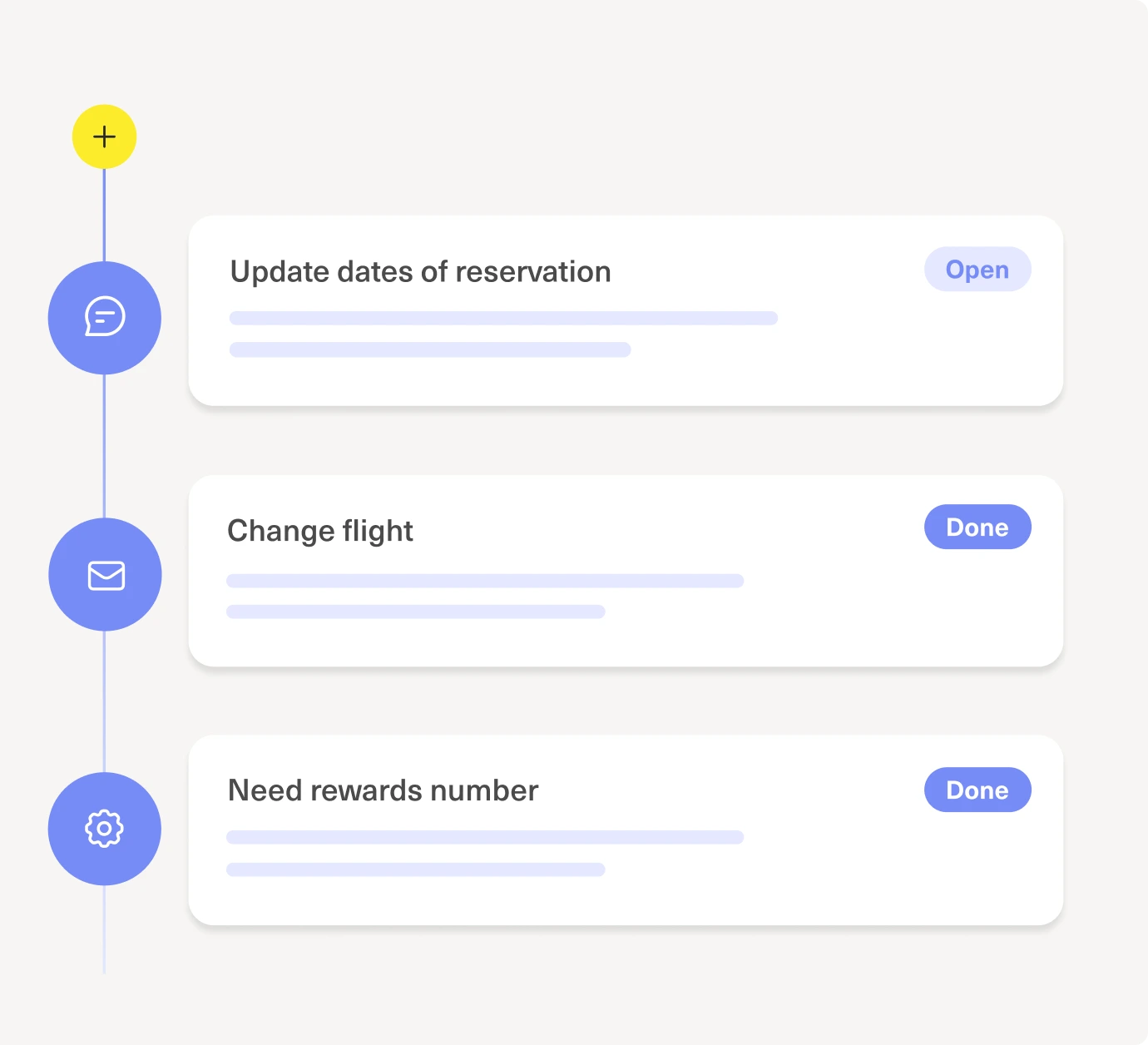
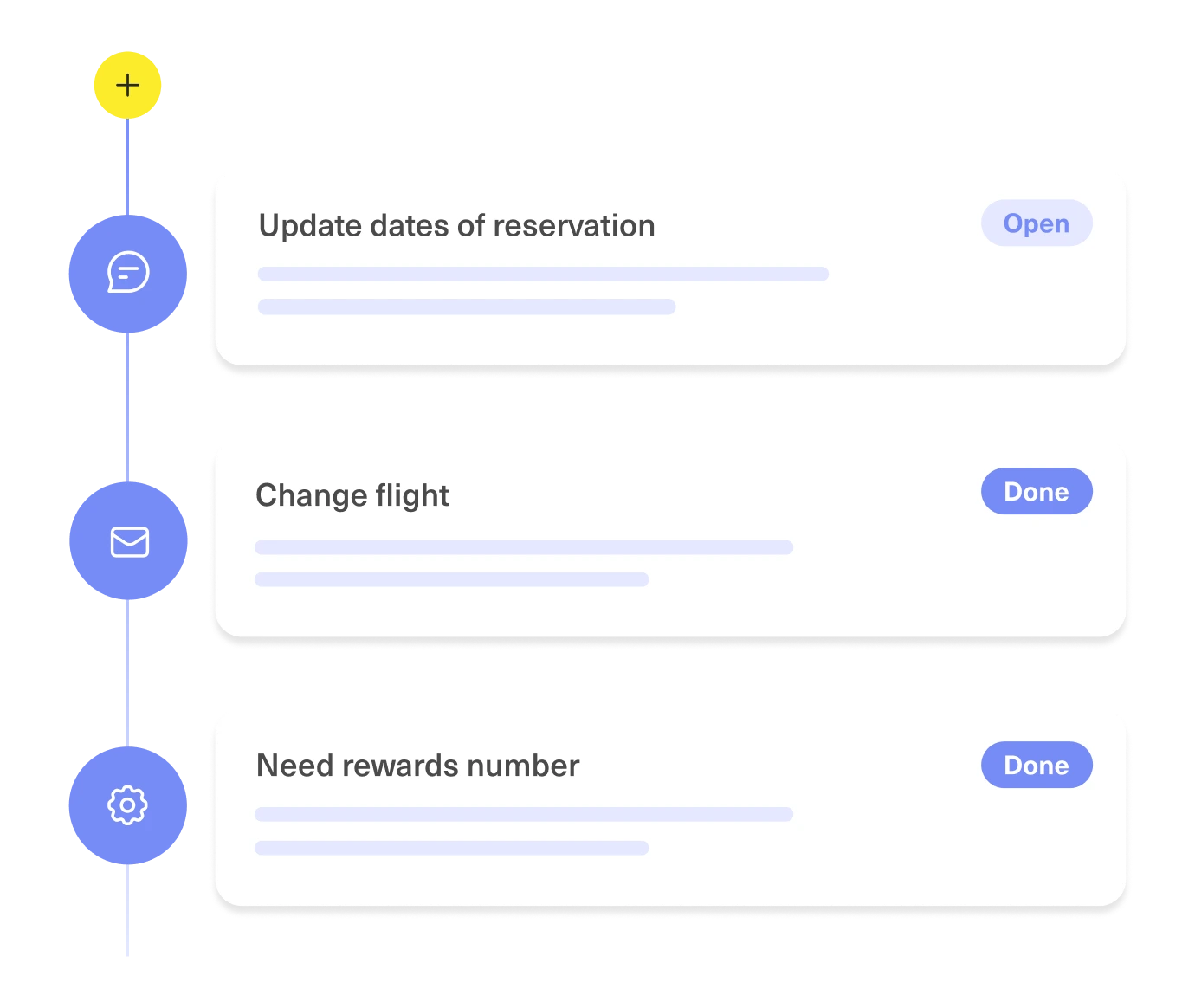
The timeline is where agents spend most of their time interacting with customers. This is where you'll see a chronological list of all customer interactions with your company, like email and chat conversations, order history, appointments, and purchase history.

Screenshot of the Kustomer Timeline with a sample customer's order history

Grant users different levels of access

Have total control over what every user can see and do in the platform, with create, read, update and delete permissioning across the platform – from webhooks to searches. Mask specific data based on user or role types and filter conversations based on customer attributes to ensure only specific users can access your most sensitive information.

A screenshot of a table labeled Permission Sets listing roles—Org Owner, Administrator, Content Administrator, Manager, and User—along with brief descriptions of their access levels. The background is light purple.

Access relevant data from external systems

Kustomer is built to easily ingest customer data from any 3rd party system. We offer an ecosystem of plug-and-play apps, turnkey integrations with the major solution providers and professional services experts to build custom integrations to solve for even the most unique use cases.

A data import dashboard displays a list of imports with columns for name, import source, status, creator, and date. Various status steps and import sources are shown against a light purple background.
Two people ride bicycles on a wet, sandy beach. The person on the left, riding an orange bike, is highlighted by a yellow outline. The sky is overcast and the ocean is in the background.

"We love the Kustomer timeline. It’s one simple place where we can view data across email, live chat, telephone, SMS, Facebook and sales data. By having a 360 degree view of the customer, it enables us to respond to them more quickly and with more relevant information. Our products are highly technical, so by tracking our customer experience with our product, we can better serve them and better learn from their experiences."

Dave Weiner

Founder & CEO

See why customer-obsessed companies switch to Kustomer’s CRM.

Request Demo
linkedin facebook pinterest youtube rss twitter instagram facebook-blank rss-blank linkedin-blank pinterest youtube twitter instagram